



AccessView Logo AccessView Contact Us
Menu
Contact Us

Font Size Standards for Readability

What’s the right font size? We’ve researched WCAG guidelines and Malaysian accessibility standards to give you clear, actionable recommendations for every context.

7 min read Beginner March 2026
Close-up of text on screen showing different font sizes and line spacing measurements

Why Font Size Matters More Than You Think

Font size isn’t just about preference — it’s about access. When you’re designing for the web, especially for Malaysian users with diverse vision abilities, getting this right is crucial. Too small and readers strain. Too large and text becomes overwhelming. There’s a sweet spot, and it’s backed by real accessibility standards.

We’re not talking about arbitrary rules here. WCAG 2.1 guidelines, which Malaysia increasingly adopts, provide specific recommendations. They’re based on decades of research about how people actually read on screens. We’ll walk you through what those standards say, how to apply them practically, and what Malaysian audiences specifically need.

Designer reviewing typography on computer monitor with accessibility checklist visible

WCAG Guidelines: The Numbers You Need

Let’s get specific. WCAG 2.1 recommends a minimum of 16px for body text on desktop. That’s not a suggestion — it’s what research shows people can read comfortably without strain. For mobile, the math’s similar: roughly 16px or equivalent when you account for viewport scaling.

But here’s where it gets interesting. The guideline isn’t just about the absolute size. It’s about proportions. Your heading should be noticeably larger than your body text — think 28-32px for h1, 20-24px for h2, 18-20px for h3. The visual hierarchy matters. When users can quickly scan and understand your structure, they read faster and retain more.

Quick Reference: Desktop Font Sizes

  • Body text: 16px minimum (14-18px range is safe)
  • Small text (captions, labels): 12-14px
  • H1 (page title): 28-36px
  • H2 (section heading): 20-28px
  • H3 (subsection): 18-22px
Typography scale showing font size hierarchy from 12px to 36px with visual comparison
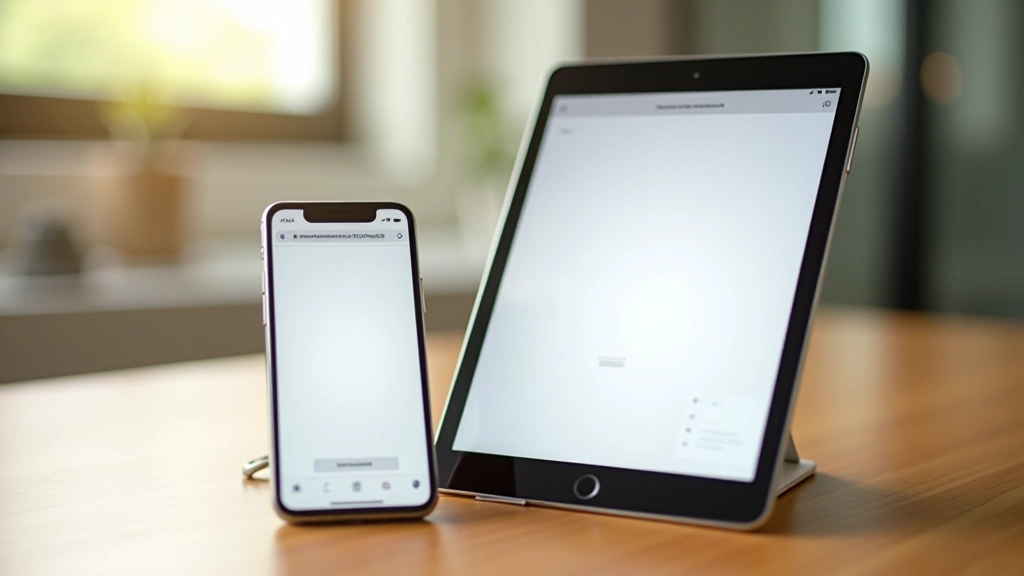
Mobile phone and tablet displays side by side showing same content with different font scaling

Context Changes Everything

Here’s where Malaysian web design gets interesting. People read differently depending on where they are. Someone reading on a 6-inch phone while on public transport needs different sizing than someone at their desk with a 27-inch monitor. You’ve got to design for all of them.

Mobile demands careful consideration. On a 5-6 inch screen, 16px body text is actually quite large. That’s intentional. Mobile users typically hold devices closer, so smaller absolute sizes work. But don’t get clever — responsive design means your 16px scales appropriately across devices, not that you shrink it to 12px on mobile.

For touch interfaces, there’s another layer. WCAG recommends a 48px touch target minimum. That includes not just button size but the clickable area around text links. A 16px link might need 32px of surrounding space to be truly accessible. This matters when you’re designing forms or navigation.


Making It Work: Three Practical Steps

Theory’s great, but implementation is what matters. Here’s how to actually apply these standards to your projects without overthinking it.

01

Set Your Base Size in REM Units

Don’t hardcode pixels everywhere. Set your base size (usually 16px) as your root font-size, then use rem units for everything else. 1rem = your base size. This scales consistently and respects user browser preferences. If someone’s set their browser to 18px, everything scales proportionally.

02

Use Line-Height and Spacing Intentionally

Font size alone doesn’t guarantee readability. Line-height matters just as much. Aim for 1.5 to 1.75 line-height on body text. That 6-8px of space between lines? It’s what lets your eyes move smoothly across the text. Malaysian languages, including Malay and Tamil scripts, benefit particularly from generous line-height.

03

Test Across Real Devices and Magnification

Don’t just check on your monitor. Test on actual phones, tablets, and desktop browsers. Test with browser zoom at 200%. Test with system-level text scaling enabled. These are real use cases. Malaysian users include older adults and people with low vision who regularly use magnification. Your 16px body text should remain readable at 200% zoom.

Code editor showing CSS with rem units and font size declarations properly structured
Visual comparison showing font rendering on different screens with varying color contrasts and sizes

Special Considerations for Malaysian Users

Malaysia’s online audience is diverse. You’re serving everyone from tech-savvy Kuala Lumpur professionals to rural users with basic smartphones and older adults accessing government services. Font size isn’t one-size-fits-all.

Consider that some users access websites through older Android devices with smaller screens. A 5-inch display with 16px body text takes up significant vertical space. That’s actually good — it forces readability. But don’t compensate by shrinking everything. Instead, embrace longer pages with better scrolling experience.

For government and financial websites serving Malaysian citizens, WCAG AA compliance (16px body text minimum, strong contrast) isn’t optional. It’s increasingly mandated. But even if it weren’t, it’s just good design. Readability is respect for your audience.

The Bottom Line: Readability Is Respect

You’re not designing for yourself or for designers. You’re designing for people. People with different eyesight, different devices, different reading habits. When you start with 16px body text, use proper line-height, test on real devices, and respect the WCAG guidelines, you’re not following rules — you’re making something people can actually use.

The numbers matter: 16px minimum, 1.5 line-height, tested across devices. But the principle matters more. Readable text isn’t an accessibility feature bolted on at the end. It’s foundational design. Start there. Build from there. Everything else — color, contrast, focus states — becomes easier when your baseline is readable.

Ready to Apply These Standards?

Start with your current project. Check your body text size. If it’s under 16px, bump it up. Test at 200% zoom. See how it feels. You’ll notice immediately — your content becomes more accessible and honestly, better looking too.

Explore More Accessibility Guides

Important Note

This article provides educational information about font size standards and accessibility guidelines. The recommendations here are based on WCAG 2.1 guidelines and general best practices. Every project has unique requirements, and user testing with real audiences is essential. For official accessibility compliance requirements specific to your industry or region in Malaysia, consult with accessibility specialists or refer to relevant regulatory documentation. This isn’t a substitute for professional accessibility auditing.